How to Connect Google Services to ARIQ
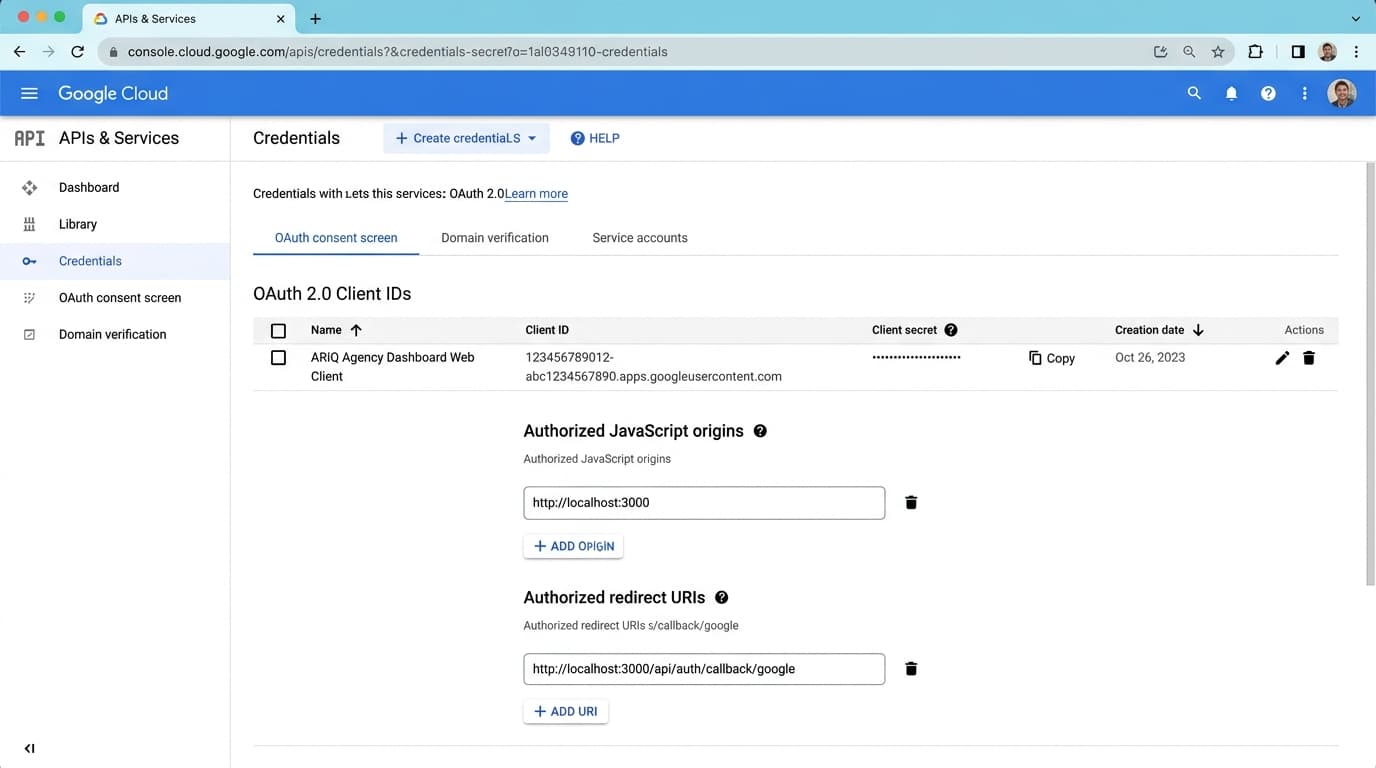
ARIQ connects to the entire Google suite using a single unified Google OAuth 2.0 authorization. Once connected, all 5 Google services sync automatically into your agency workspace.
Who connects Google
The connection is saved on one project. An agency connects each client from that client's project. A business connecting its own account uses its own project. Both follow the same Connect button.
Sign in to ARIQ with your agency user. Open the client project, then connect that client's Google account. The client does not need an ARIQ login. Use the Google login that can already see that client's data.
Sign in to ARIQ, open your project, and connect the Google account this business already uses. You approve access with that same account.
Connect it inside ARIQ
- 1Sign in to ARIQ.
- 2Open the project this account belongs to. Switch projects from the left sidebar if you manage more than one client.
- 3Open Google from the workspace tabs, or go straight to the Google page.
- 4Click Connect, then Sign in with Google. ARIQ sends you to Google. Sign in with the account that can see this client's data and allow access. You do not paste a password into ARIQ.
- 5Stay on that project and sync. The page shows live numbers only after this account is connected. Another client's project stays empty until you connect it there too.
Connection Instructions
Click "Connect Google" & Authorize Account
Click the "Connect with Google" button. A secure Google authorization popup will appear. Select the Google account that has access to your Search Console properties and GA4 analytics.
You only need to log in ONCE. ARIQ automatically handles all tokens and refresh tokens in the background.