
How to Connect Google Ads to ARIQ
Track real-time advertising spend, cost-per-click (CPC), conversion values, ROAS, impression shares, and search keyword performance in ARIQ.
10-Digit Google Ads Customer ID (xxx-xxx-xxxx)Who connects Google Ads
The connection is saved on one project. An agency connects each client from that client's project. A business connecting its own account uses its own project. Both follow the same Connect button.
Sign in to ARIQ with your agency user. Open the client project, then connect that client's Google Ads account. The client does not need an ARIQ login. Use the Google Ads login that can already see that client's data.
Sign in to ARIQ, open your project, and connect the Google Ads account this business already uses. You approve access with that same account.
Connect it inside ARIQ
- 1Sign in to ARIQ.
- 2Open the project this account belongs to. Switch projects from the left sidebar if you manage more than one client.
- 3Open Google Ads from the workspace tabs, or go straight to the Google Ads page.
- 4Click Connect, then Sign in with Google Ads. ARIQ sends you to Google Ads. Sign in with the account that can see this client's data and allow access. You do not paste a password into ARIQ.
- 5Stay on that project and sync. The page shows live numbers only after this account is connected. Another client's project stays empty until you connect it there too.
Step-by-Step Connection Instructions
Find Your 10-Digit Customer ID
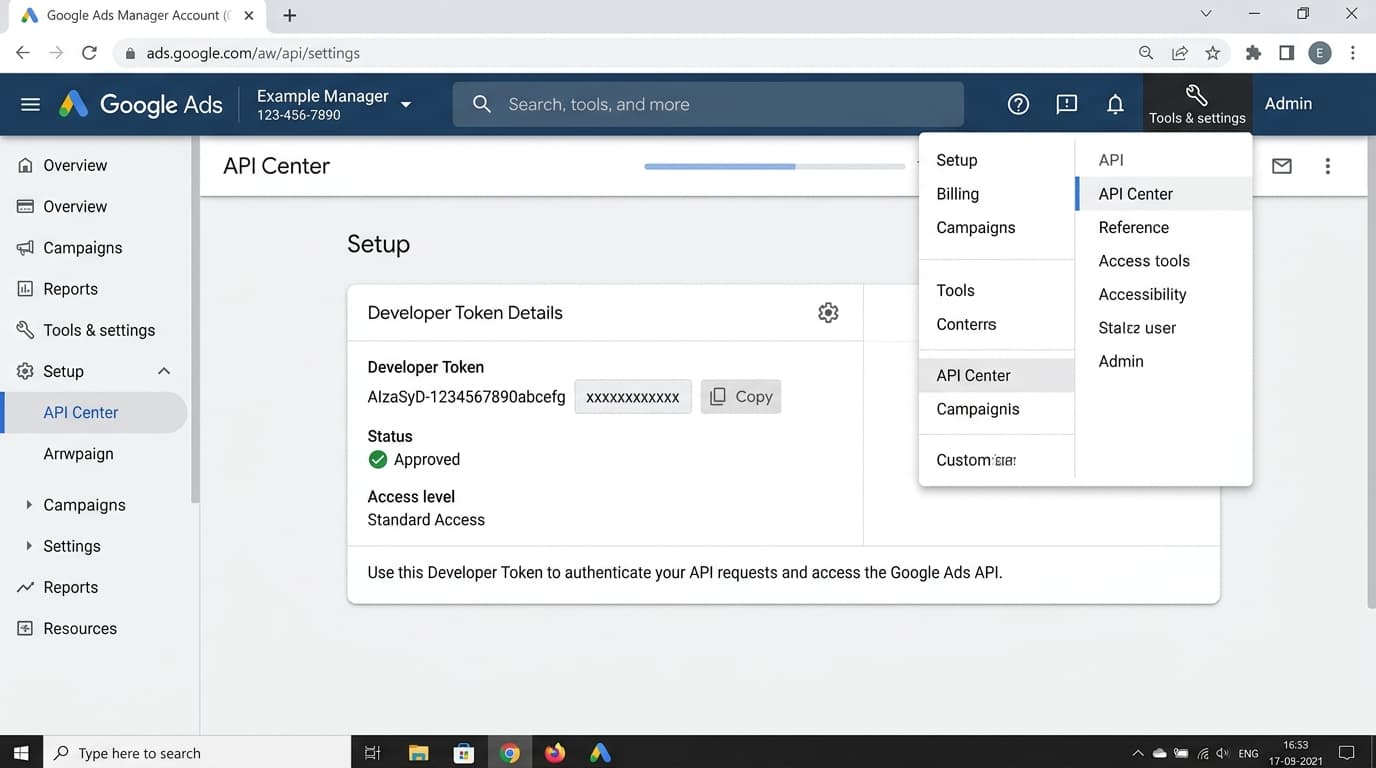
Open Google AdsLog in to Google Ads at ads.google.com. Look at the top-right corner next to your account profile picture to find your 10-digit Customer ID (e.g. 123-456-7890). For agency-level direct access, you can also view your Developer Token under Tools & Settings > API Center.
Authorize Google Account
Click "Connect Google Ads" in ARIQ and sign in with the Google Account that has Administrative or Standard access to the Google Ads account.
If you manage multiple client accounts under a Google Ads Manager Account (MCC), you can select individual sub-accounts directly.